

UI audit and redesign
Overview
Will AI replace UI/UX Designers?
Before joining Zoan AI, I used to ask myself that question. But leading this project, from system rebuilding and UI redesign to shaping cross-platform experiences, made me realize something else.
Overview
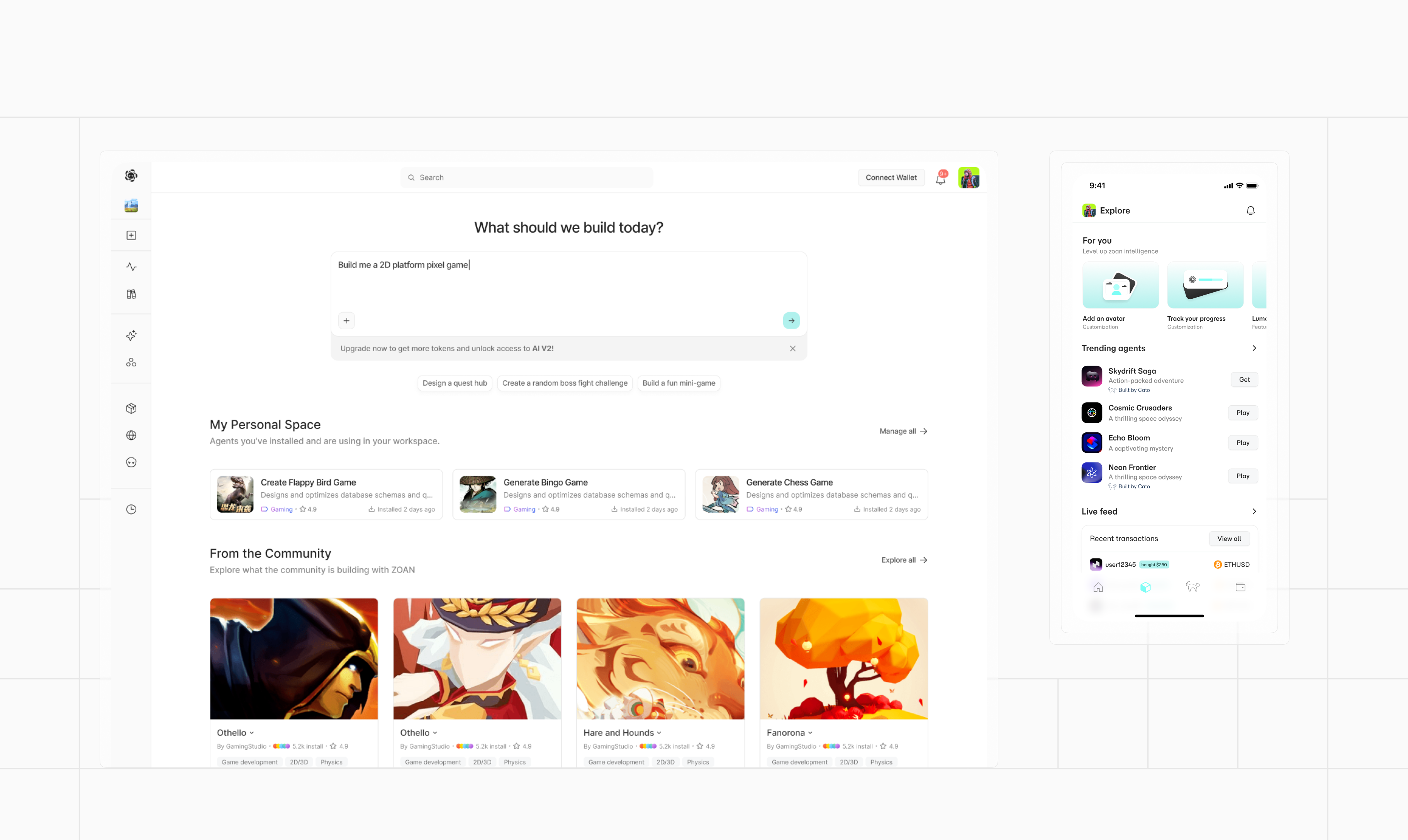
AI-generated interactive content across desktop and mobile
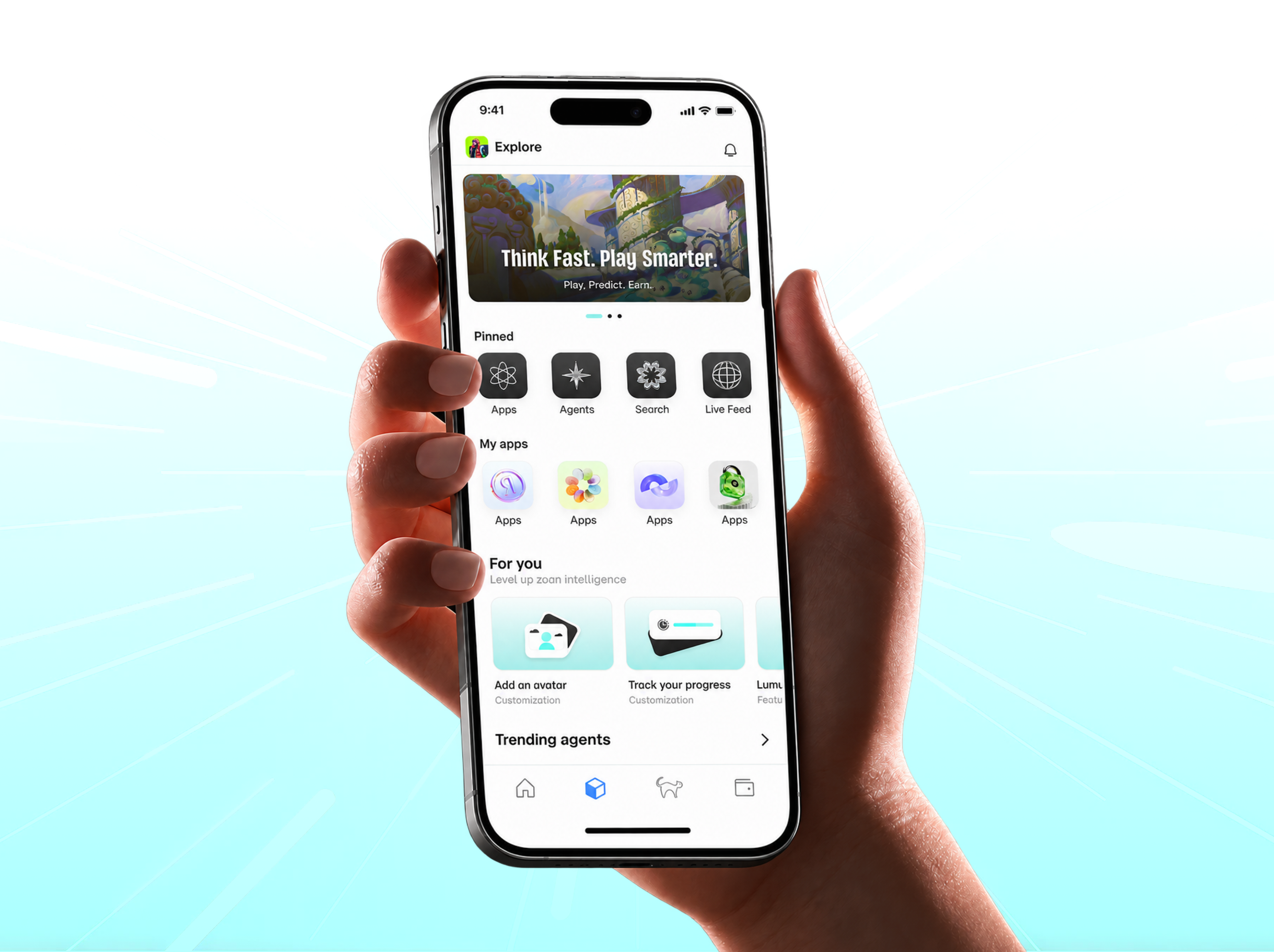
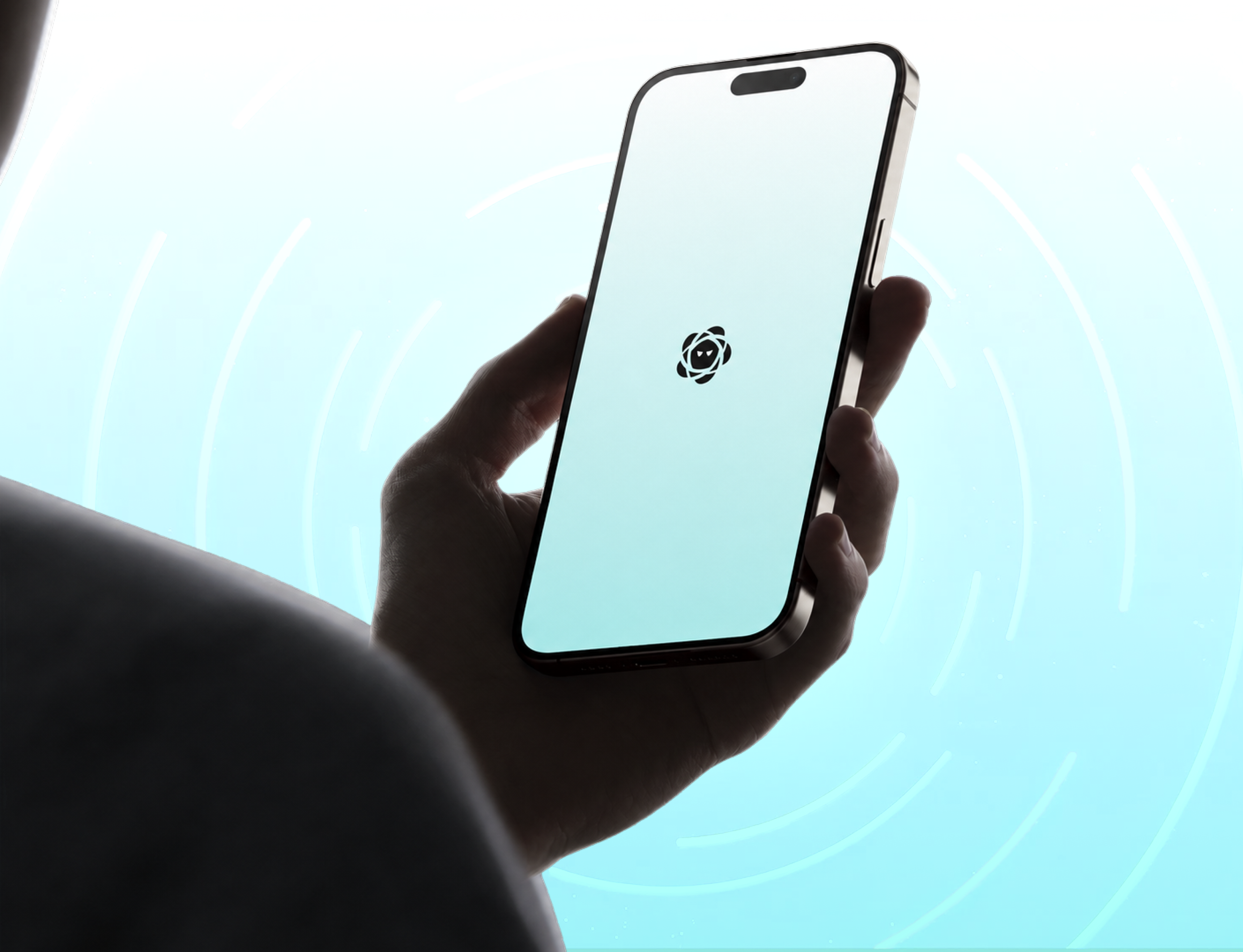
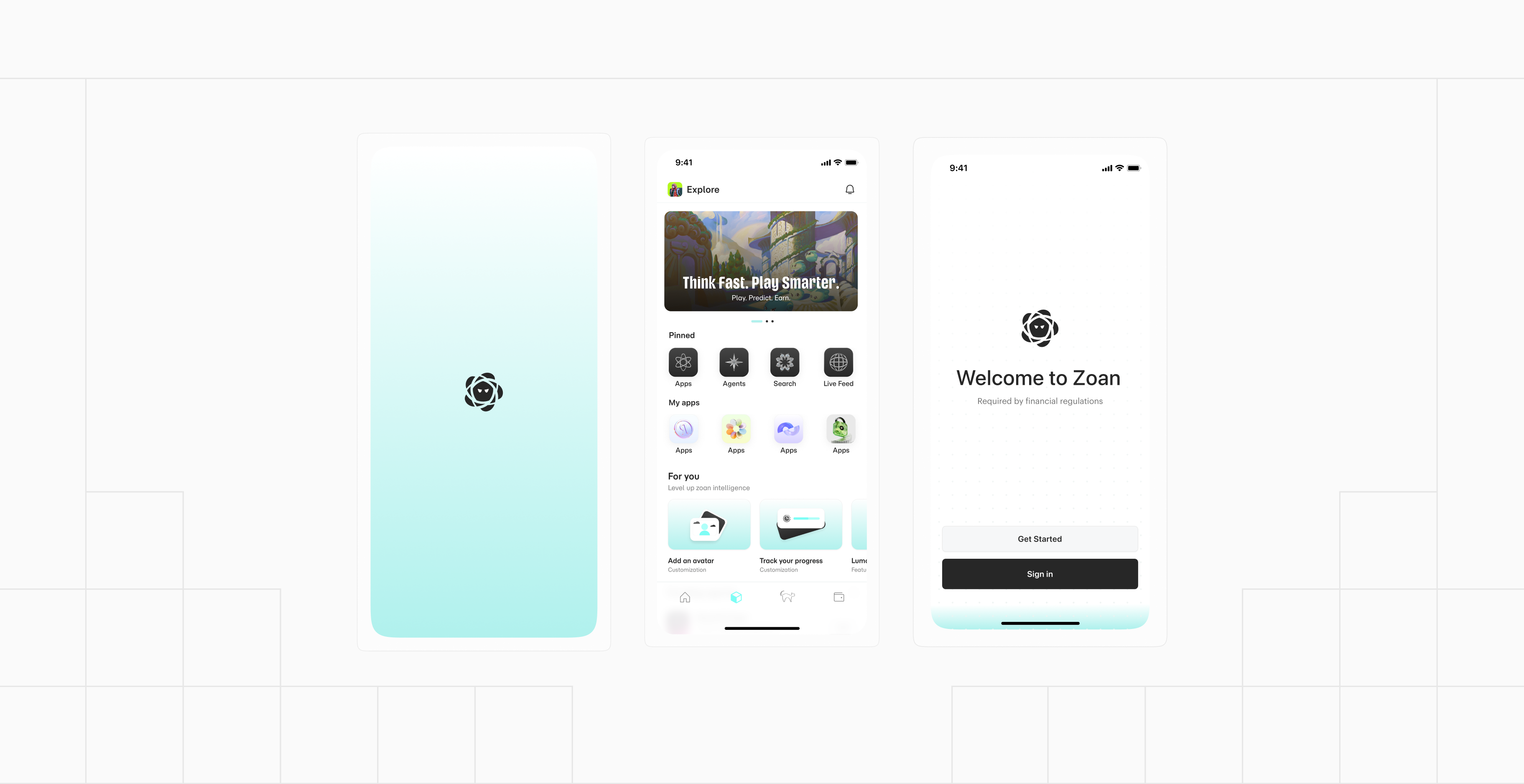
Zoan enables teams and partners to build AI-generated interactive content through unified desktop workflows and a mobile chat-to-creation experience.
Design system foundations & component library
Web & mobile experience alignment
Phase 1 · Visual Challenges
Rebuilding the system from the ground up
As an early-stage product, the interface lacked structure and brand consistency. This became the starting point for rebuilding the system from the ground up.
Phase 2 · System Foundations
Resetting the visual language
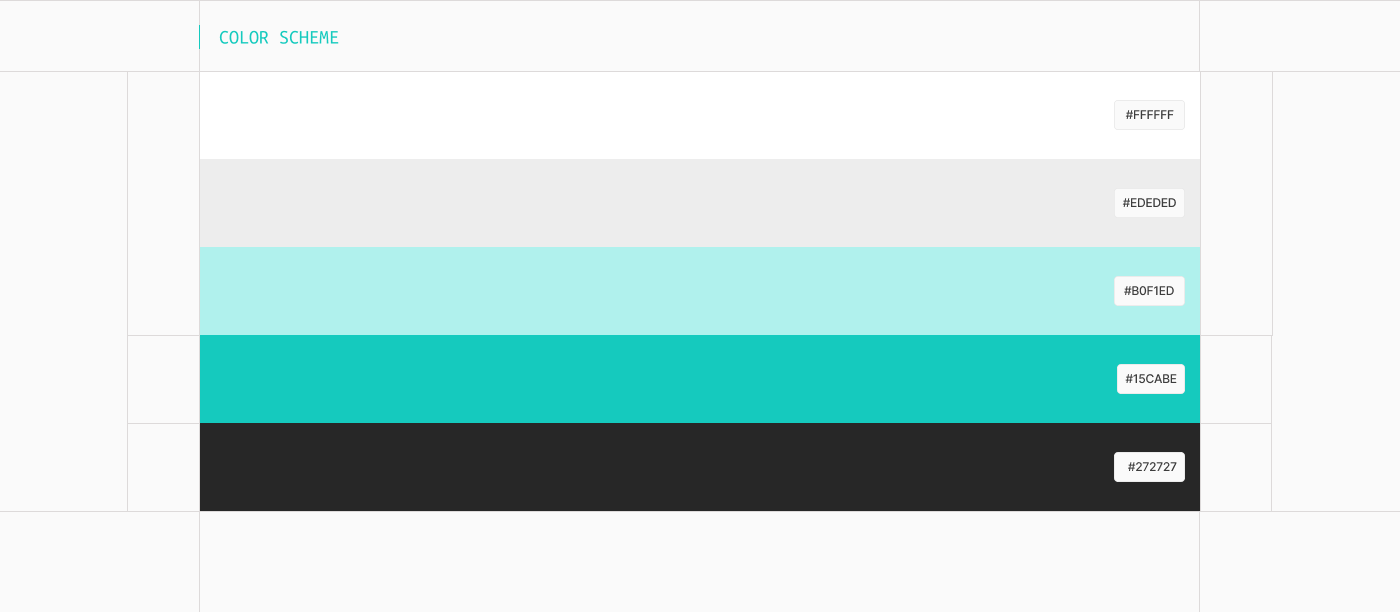
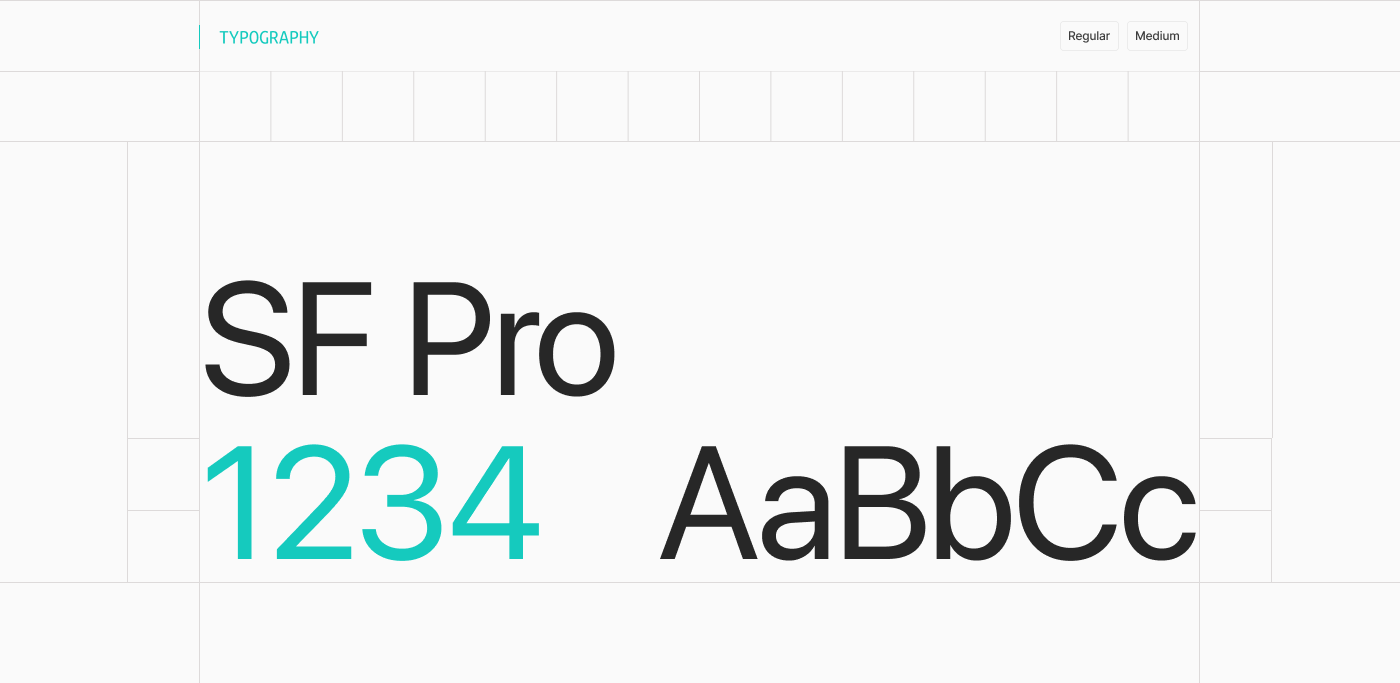
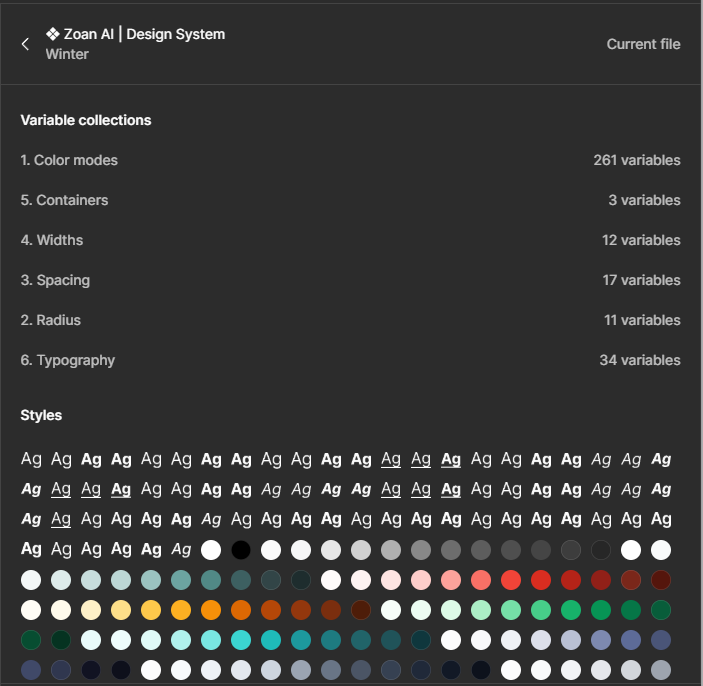
A scalable token structure ensured consistency across both desktop and mobile platforms.
Phase 3 · Component System
Building out the component library
01
Controls, forms, and overlays
02
Cards, lists, and tables
03
Navigation patterns
04
Clear state variations
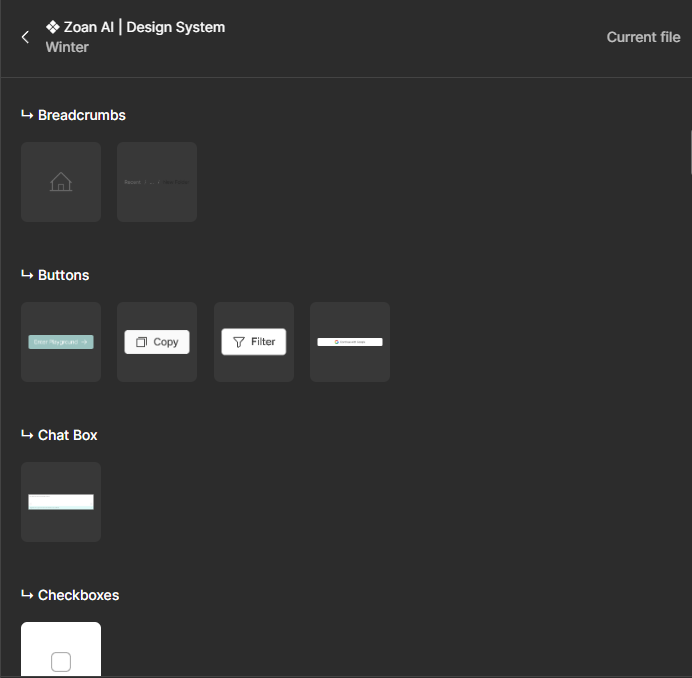
Each component included guidelines for behavior and implementation.
Phase 4 · Cross-Platform Application
Desktop and mobile experiences
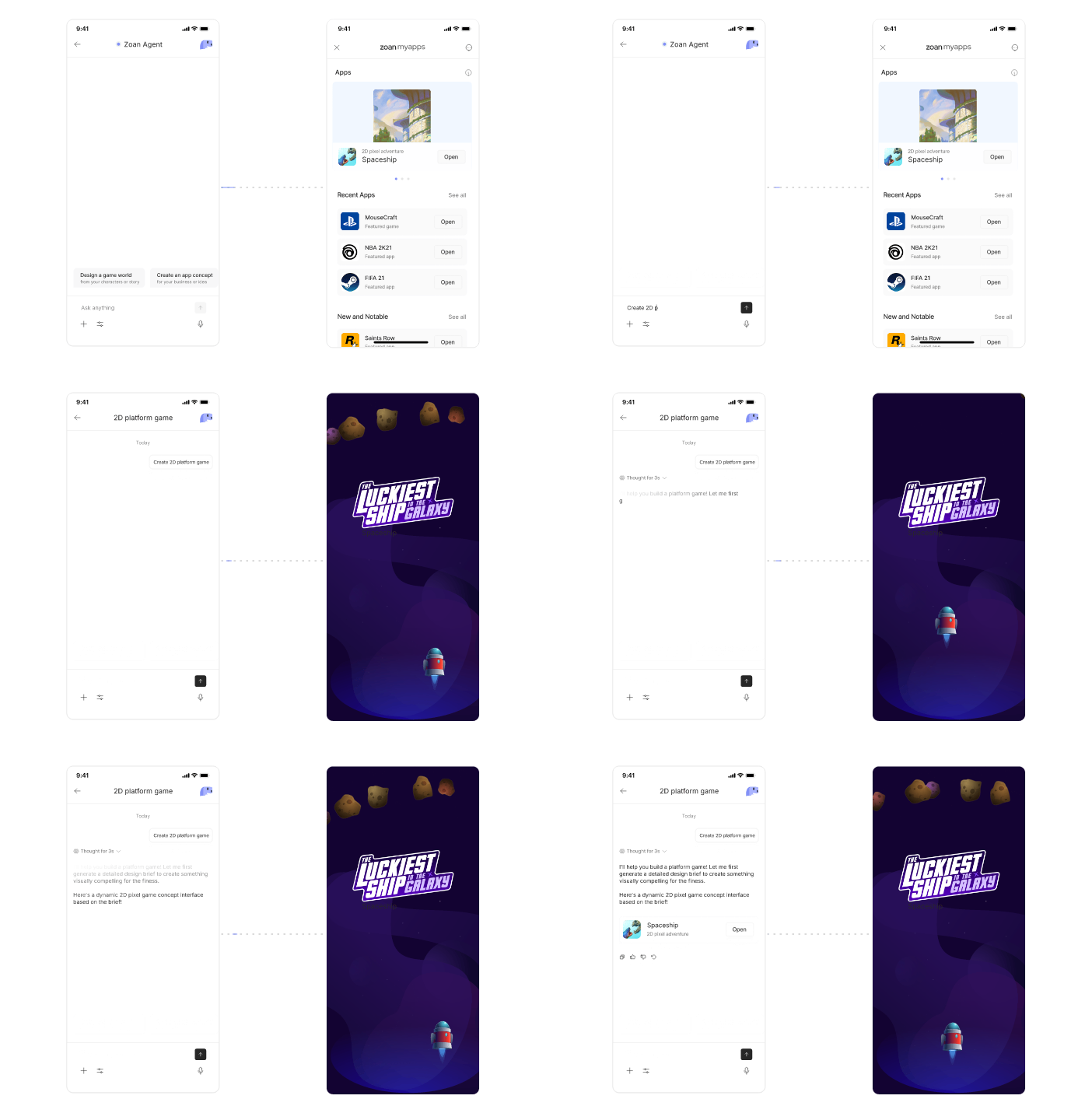
The same system was adapted for smaller screens while supporting dashboard and workflow management on desktop.
Dashboard and workflow management
Asset and content organization
Review and iteration screens
Chat-based creation
Interactive previews
Quick content iteration
Phase 5 · Deployment Dashboard
Making every step from review to release visible
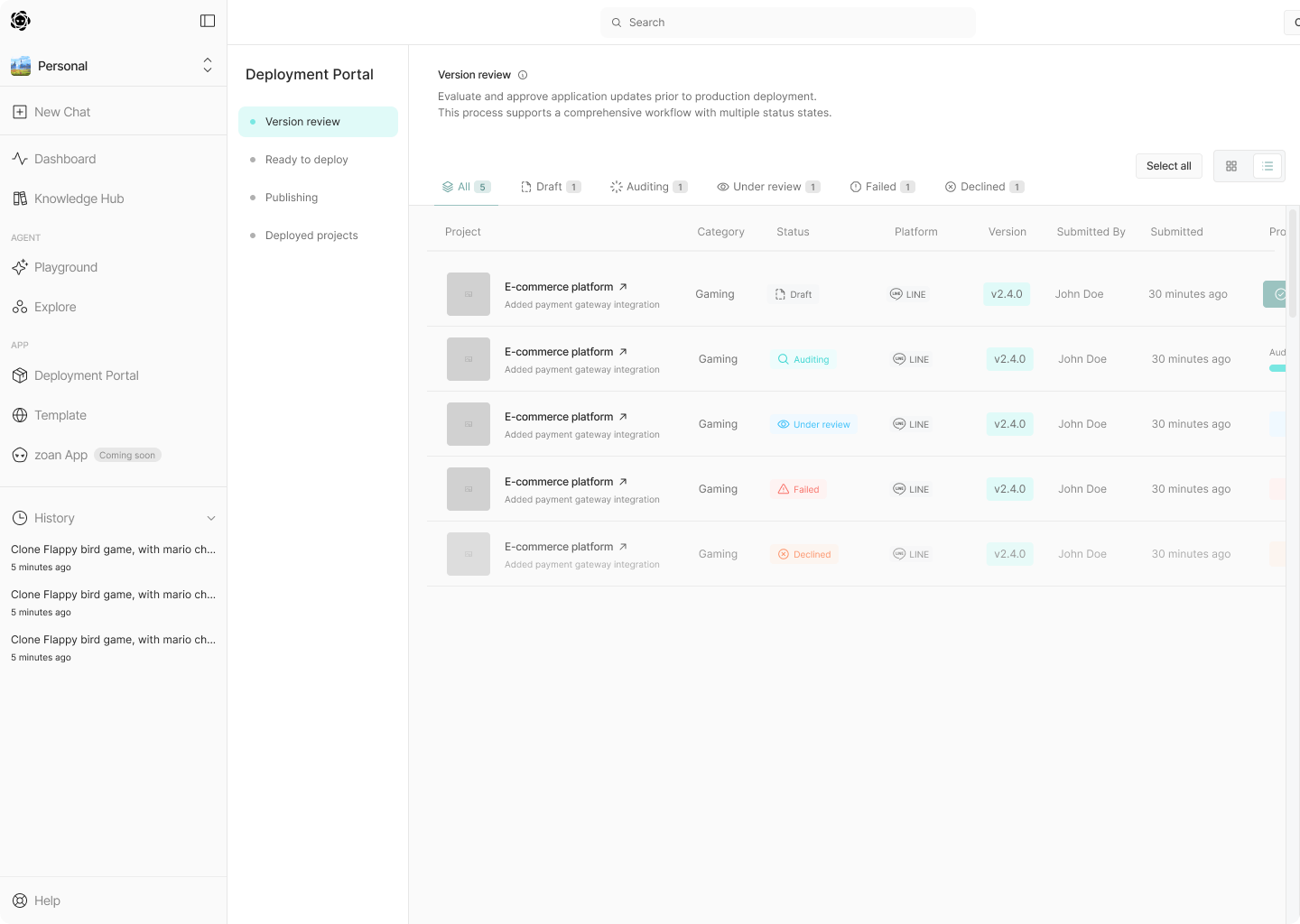
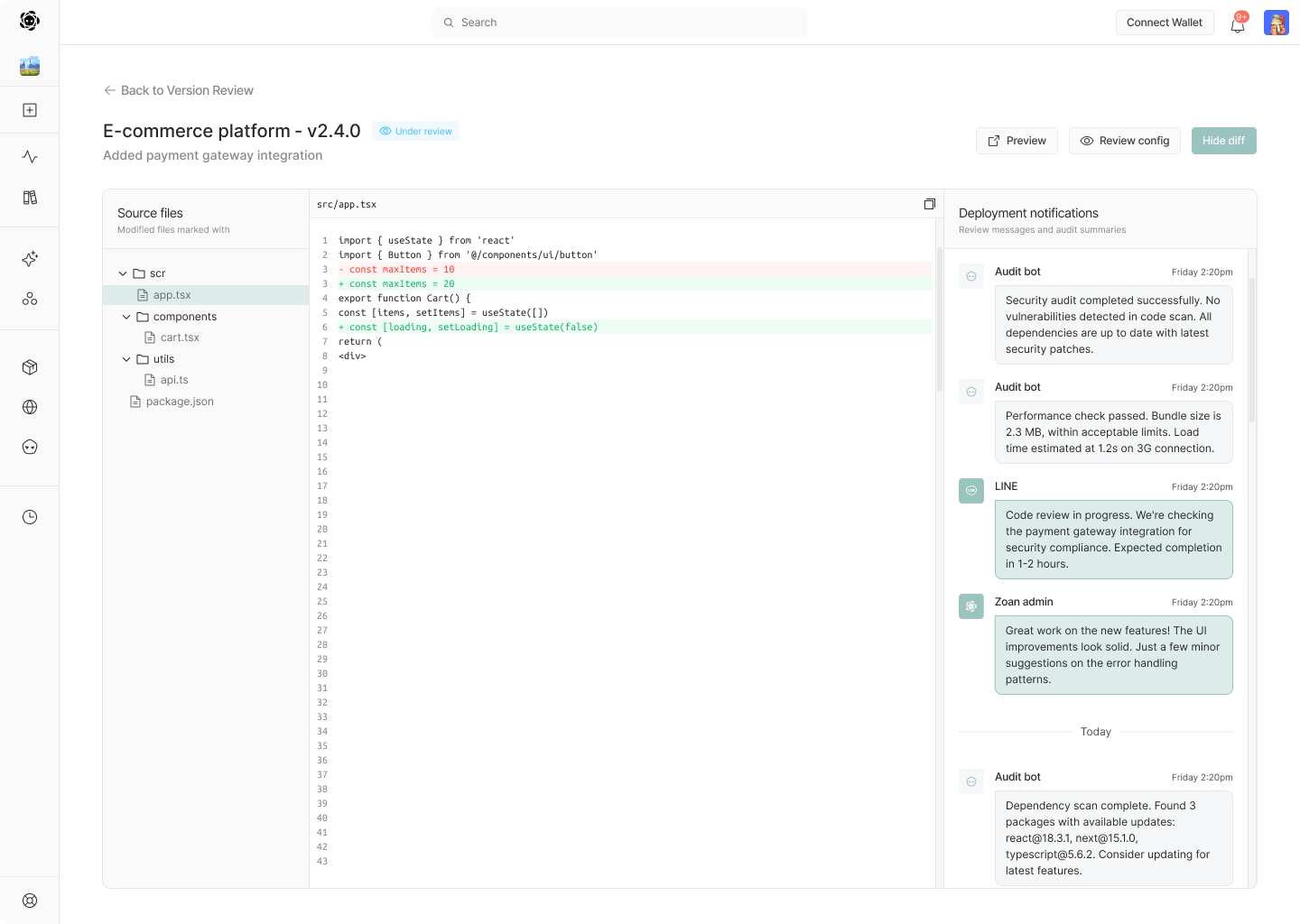
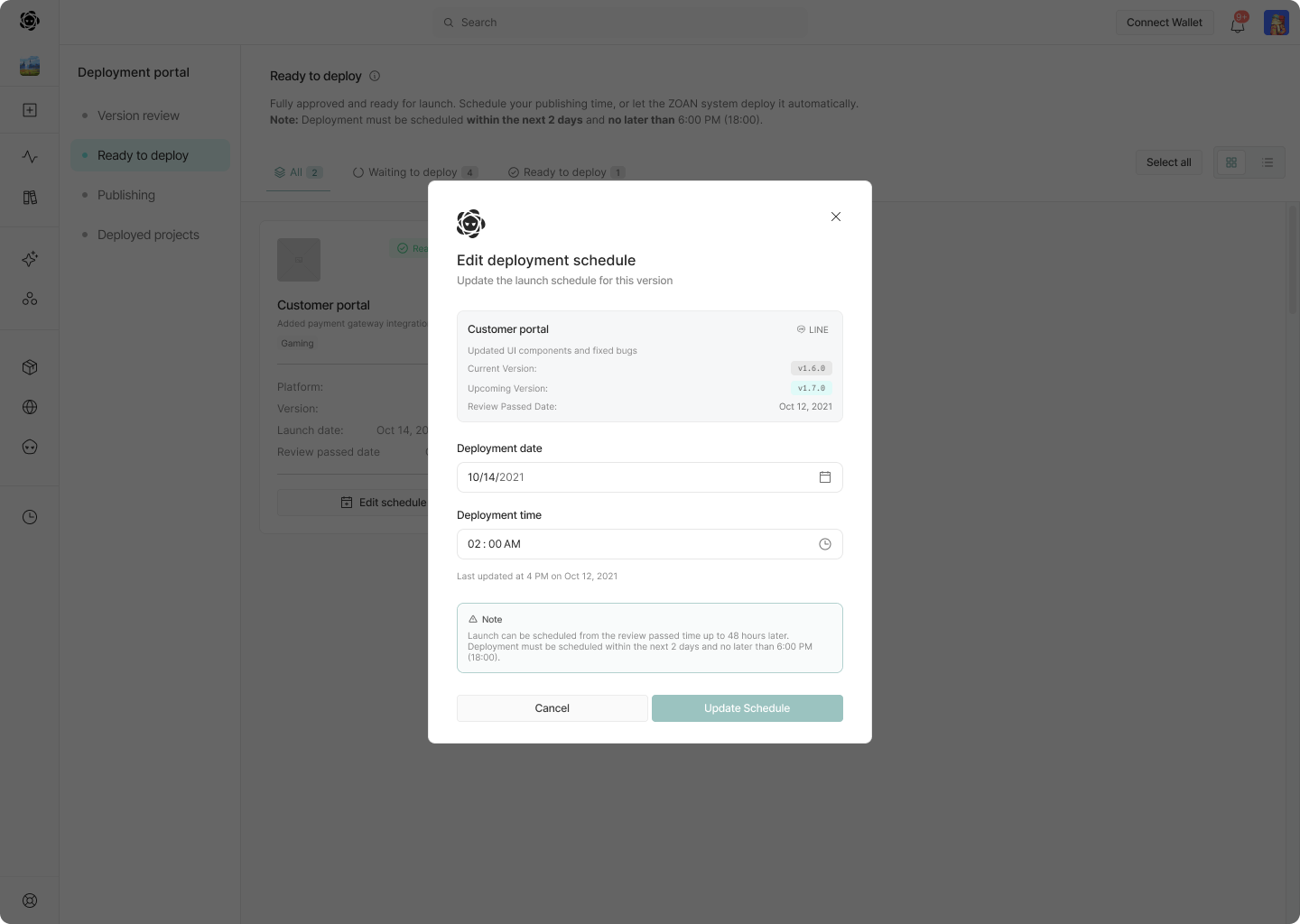
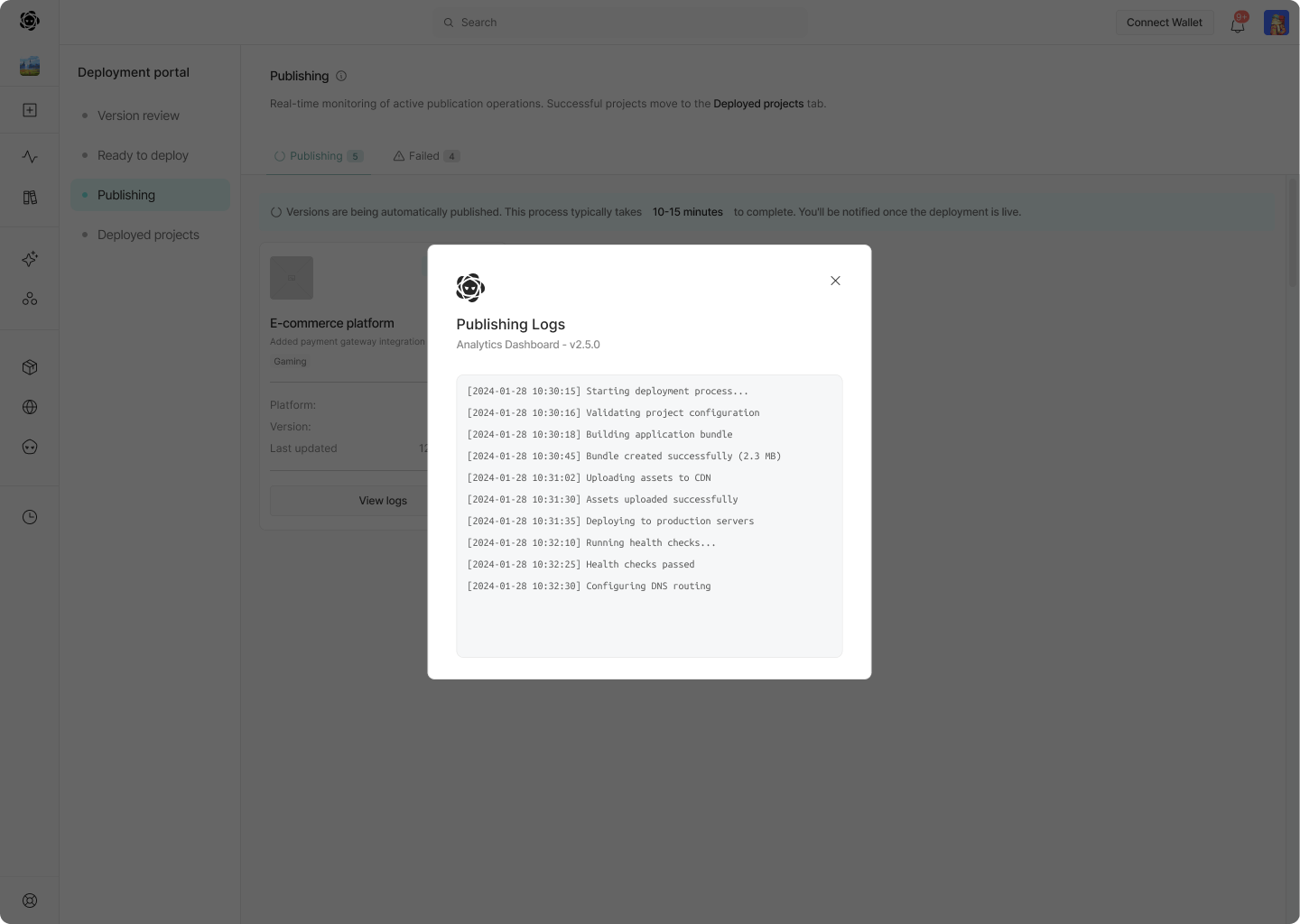
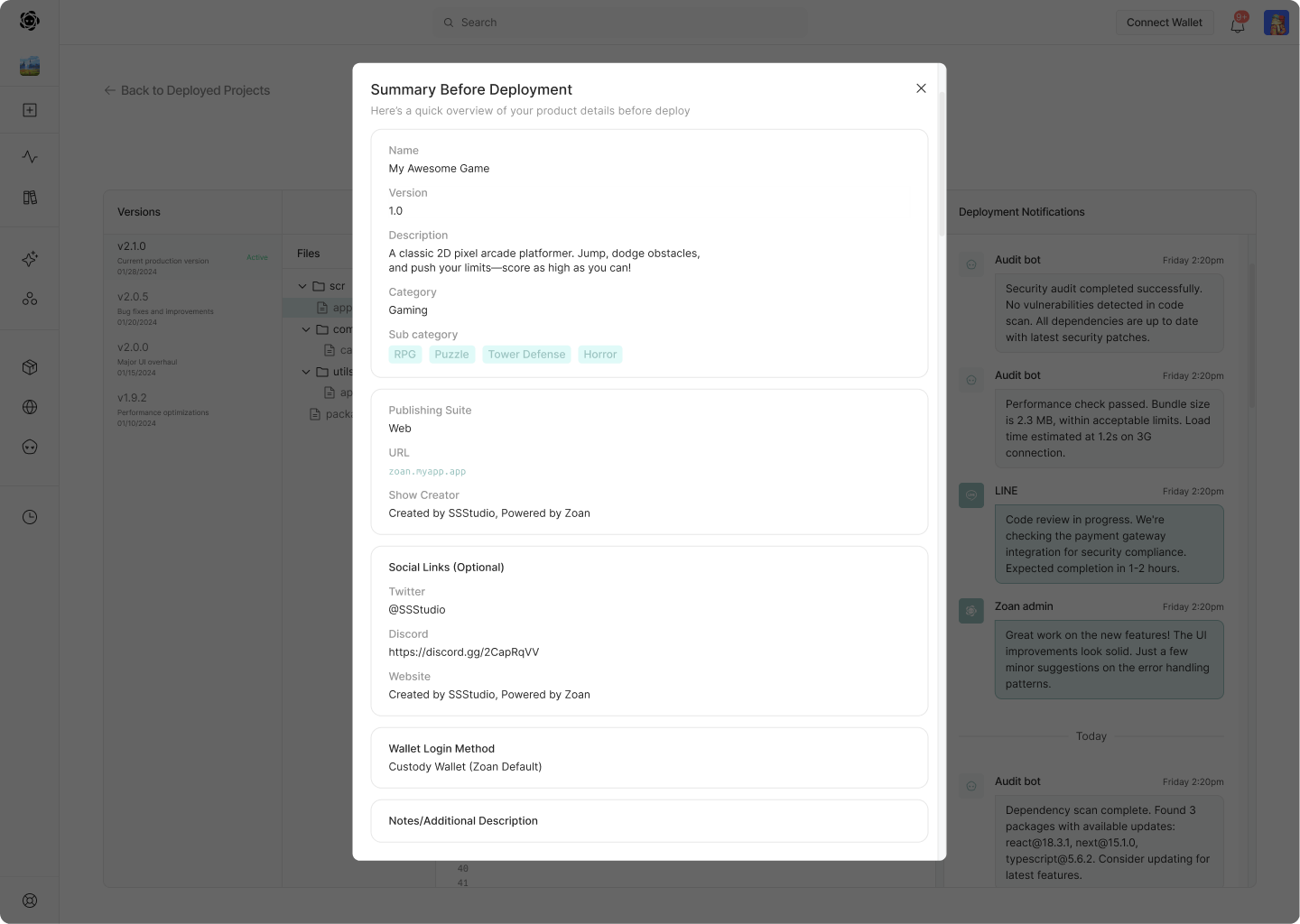
I mapped deployment as a state-driven workflow so teams could review changes, schedule a release, monitor publishing, and manage live projects without losing context.
Product lifecycle
01Submit from chat
02Draft
03Auditing
04Under review
05Ready to deploy
06Publishing
07Deployed
01
Review
Make every version decision visible
Filter versions by lifecycle state, then open a project to inspect code changes and audit messages without losing context.
02
Release
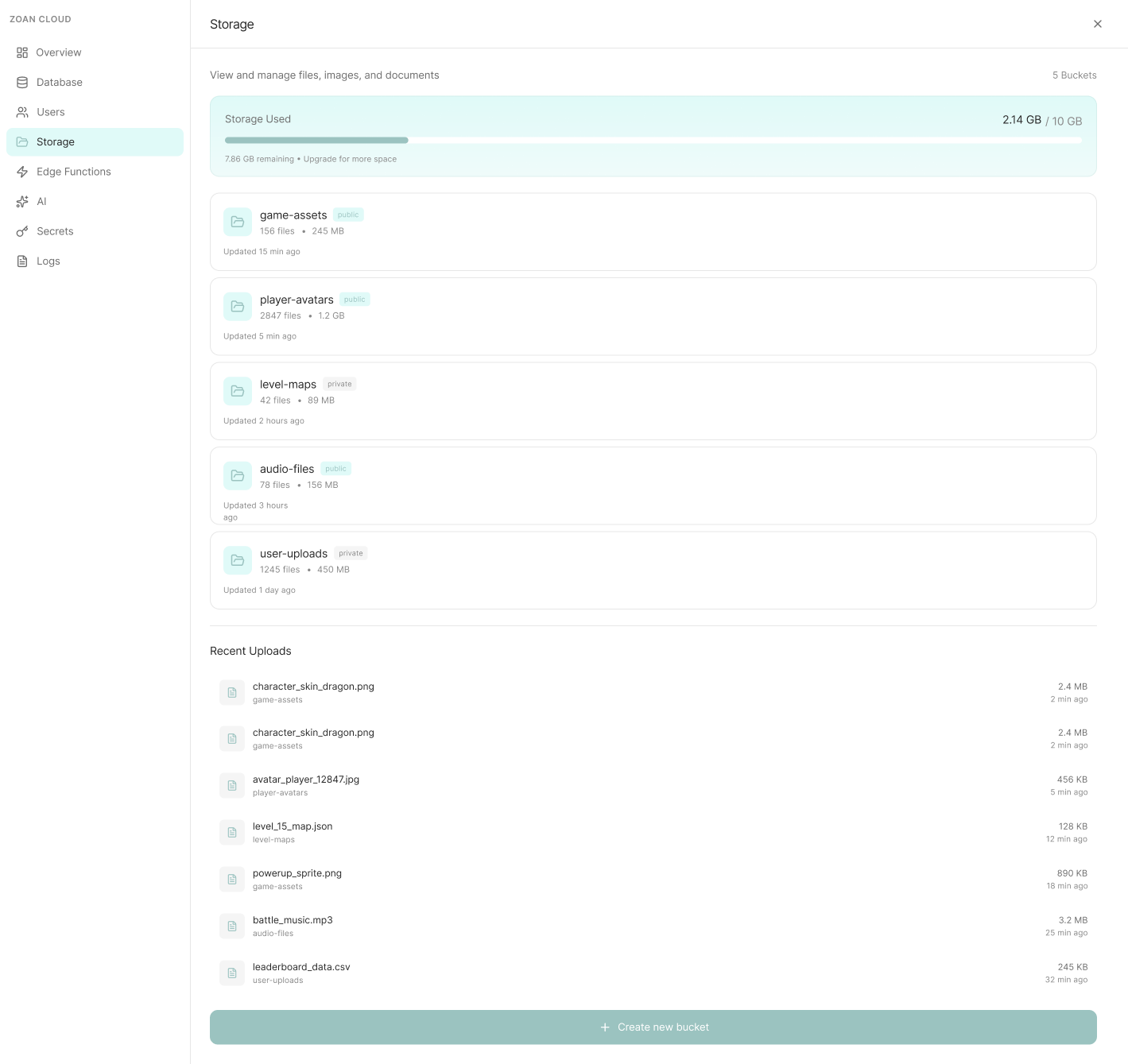
Turn approval into a controlled launch
Approved versions move into scheduling, while publishing logs make progress and failure states easy to follow during release.
03
Operate
Keep live products and resources connected
Deployed projects retain their version history and controls, while Zoan Cloud brings storage and supporting resources into the same ecosystem.
Phase 6 · Motion & Micro-Interaction Design
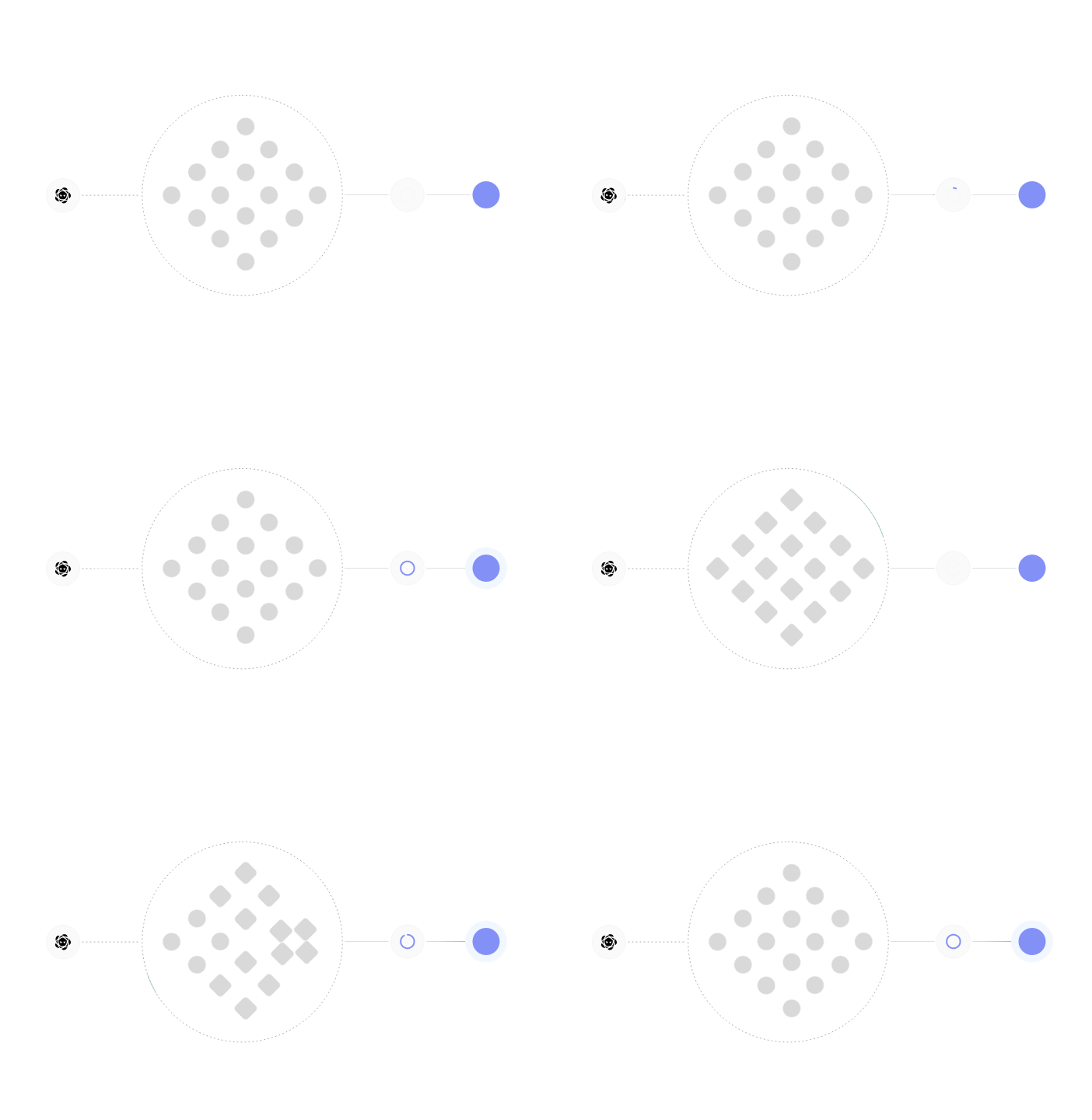
Motion that guides attention and transitions
Motion was introduced to guide attention and transitions, reinforce hierarchy and interaction states, and elevate the experience beyond static UI. These animations were designed modularly to scale with future features.
Outcome
Designers shape how humans interact with AI
The renewed system provided a scalable foundation for future development, reduced design-engineering friction, and established a strong visual identity for fundraising and go-to-market. Working on Zoan AI didn't show me that AI replaces designers. It showed me that designers shape how humans interact with AI.
Next projects
Keep exploring the work
Next project
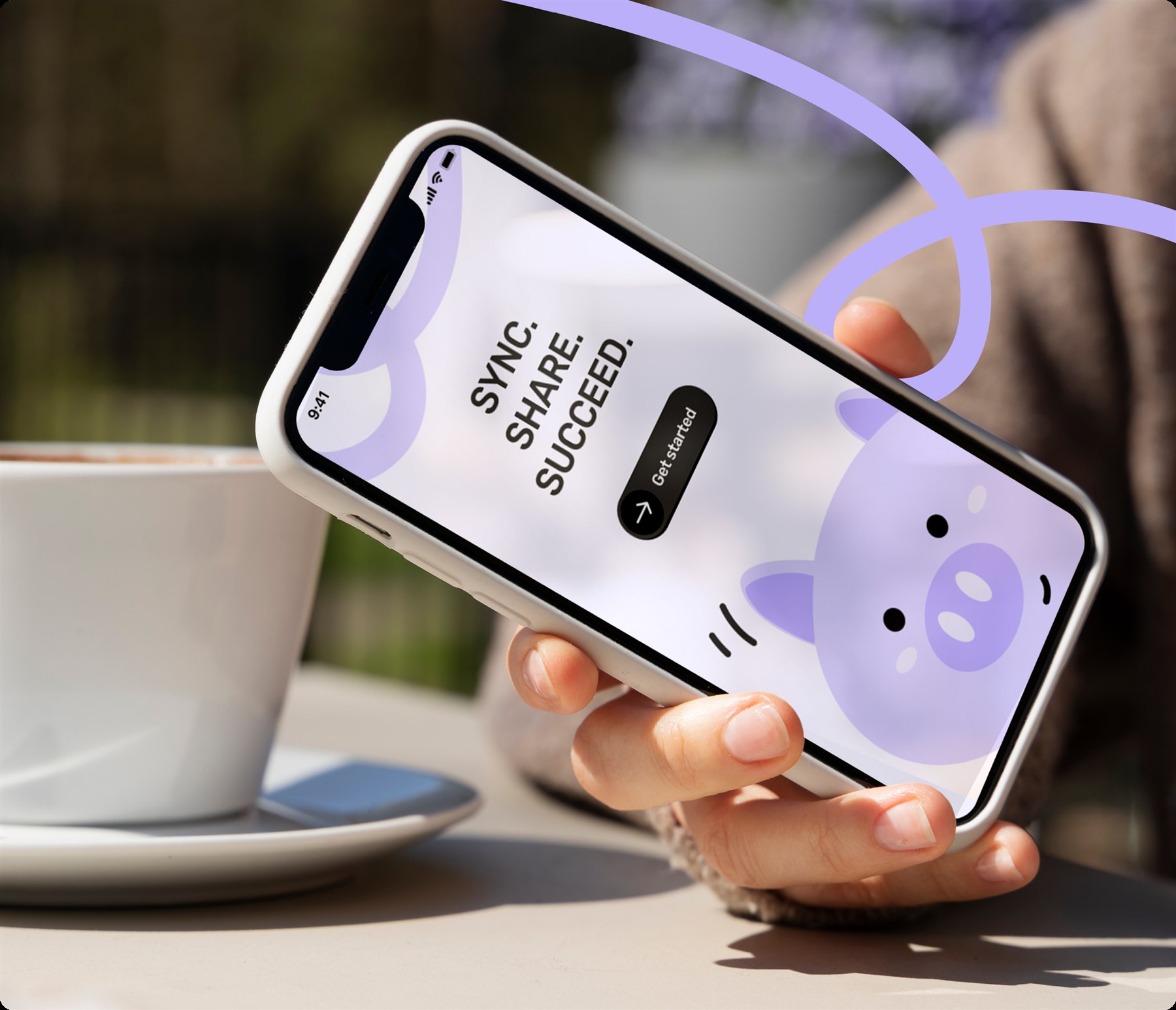
Pizzy — Making Shared Spending Feel Effortless
Pizzy is a mobile application that helps users manage shared budgets with friends in a simple, engaging, and social way.
App DesignUI/UX DesignMotionPrototype
Jul 2025
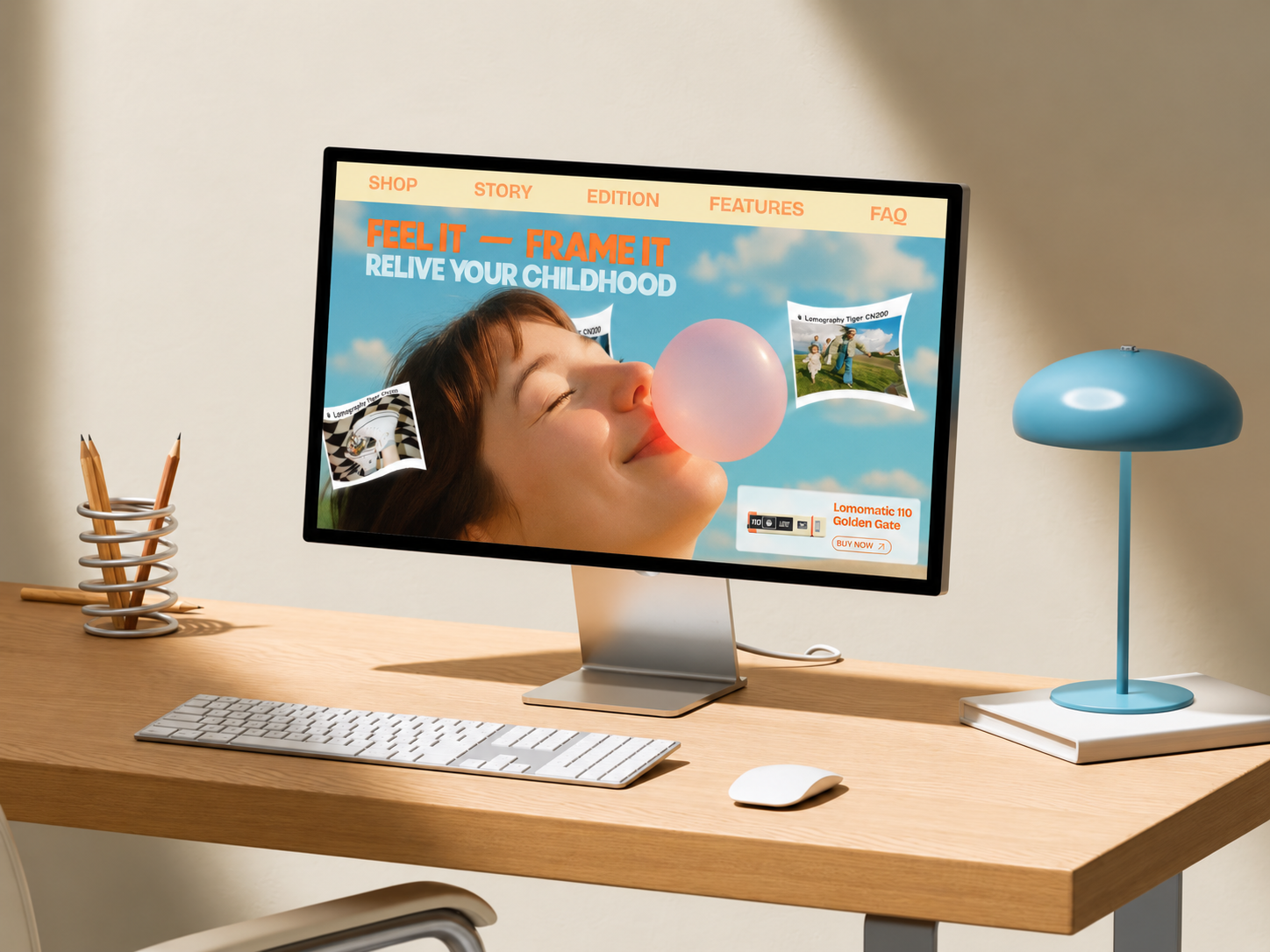
Mingg Challenge — Designing One Landing Page a Week
Mingg UI Design Challenge: A 6-week UI design competition where participants created one landing page per week based on a given brief.
UI DesignWeb DesignMotion
Jan 2025
TrueProfit — Rethinking Shopify Onboarding
- Contributed to refining the [TrueProfit landing page](https://trueprofit.io/)- Redesigned the in-app onboarding flow for TrueProfit
Web DesignProduct DesignUI/UX Design
Contact
Get in Touch
Excited to collaborate! Email me at phuongthuy101222@gmail.com or DM me on Linkedin